Validation of liquid chromatography mass spectrometry (LC-MS) methods
11.1 Reporting in ValChrom
To create a report in ValChrom:
1. Check if the dataset you want to use for report building is “Completed”.
2. Make a new report on the reports section by clicking on the large green button with “+” on bottom right corner.

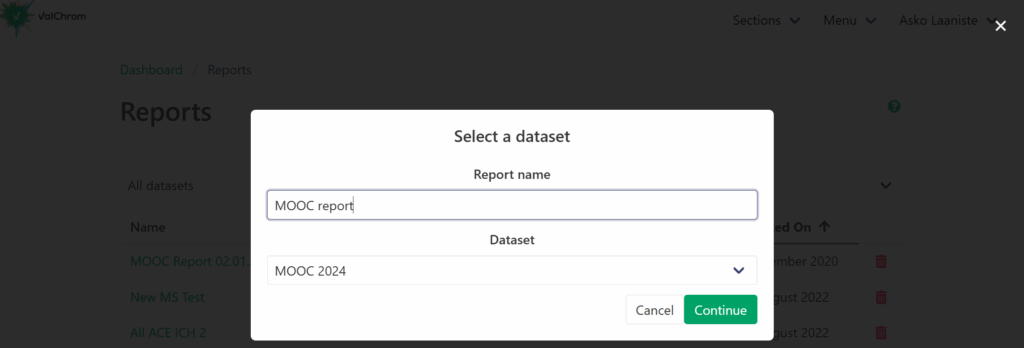
3. Name the report and choose the dataset to use for reporting.
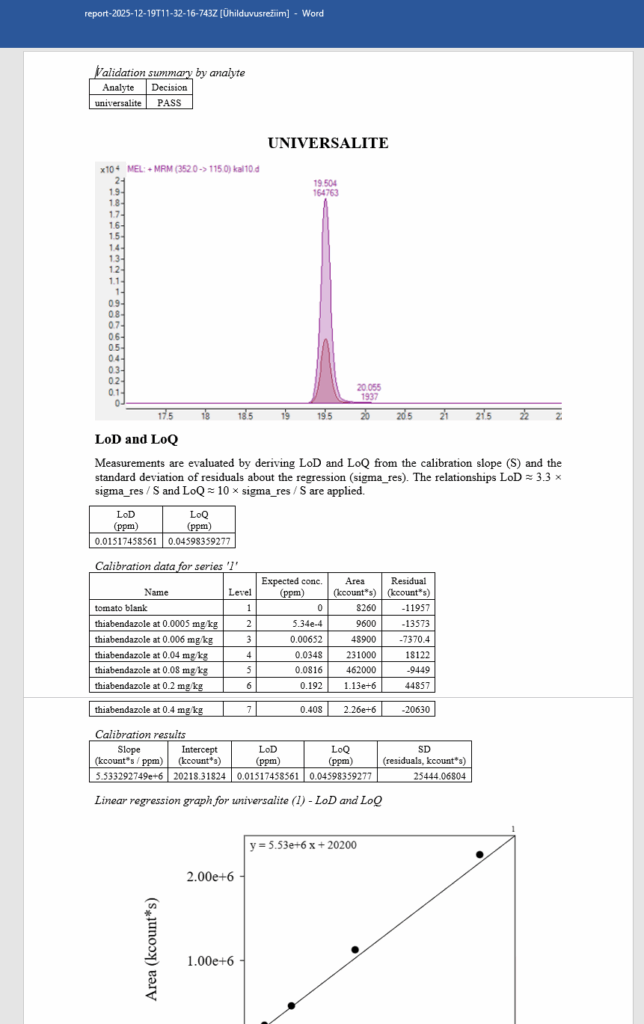
4. In the Report Builder page you can edit the report and then download in either PDF or DOCX format.
Important!
The changes you make only persist until you refresh or leave the page, then all changes are reset.
Be sure to either download your report in DOCX or PDF format or save a local draft to continue later.
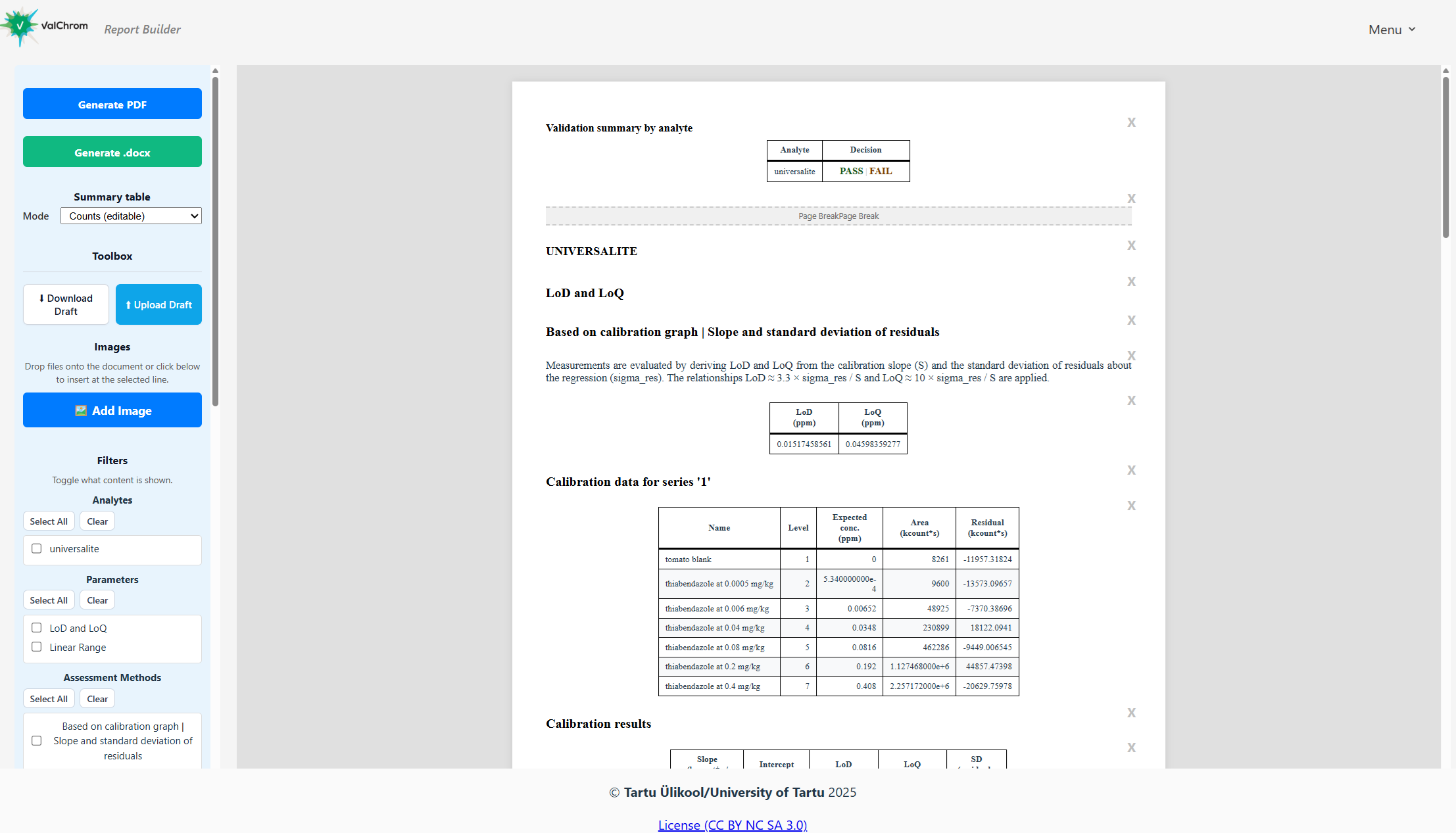
Operations
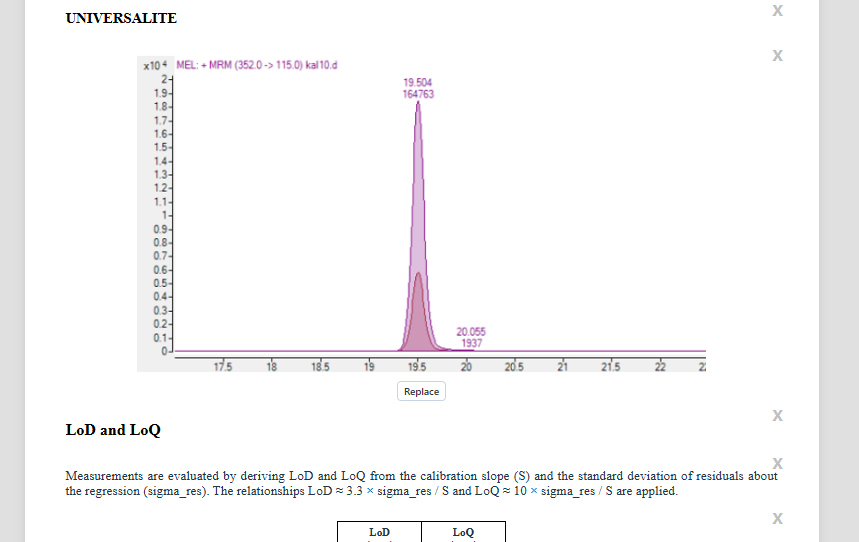
- Edit elements by clicking on them or add text by clicking on the blue line with ‘+’ icon between the elements you want to add the new text.
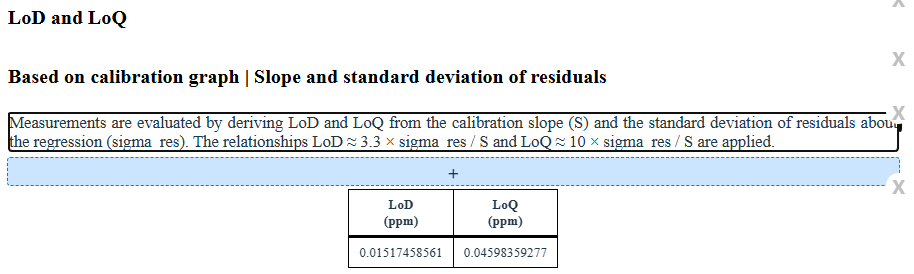
- Remove elements by clicking on the ‘X’ in the left of the page.
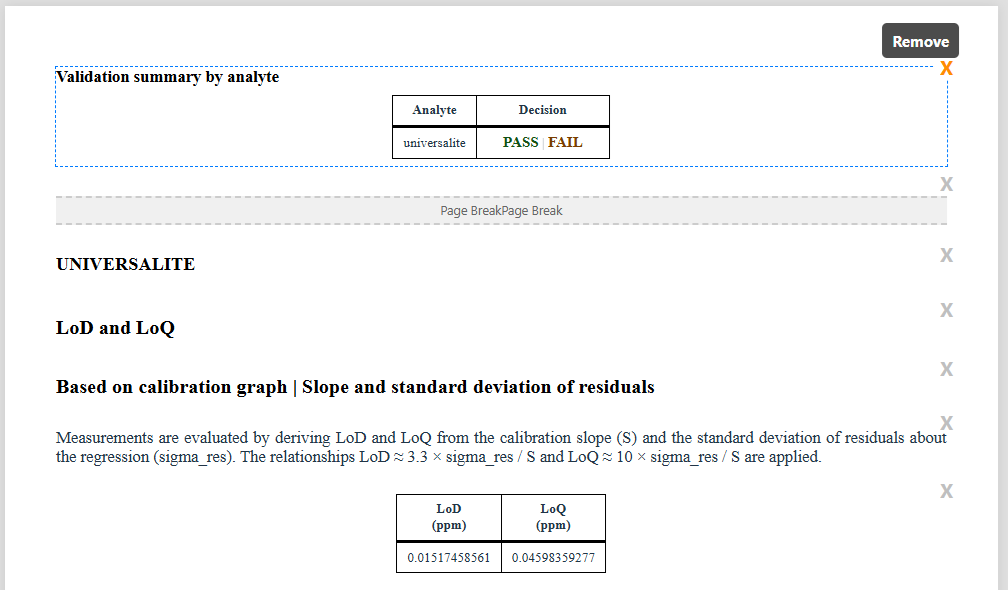
- Decide if analyte passed or failed.

-
- If criteria are present then you can switch summary table between two modes: passing criteria counts or criteria matrix.
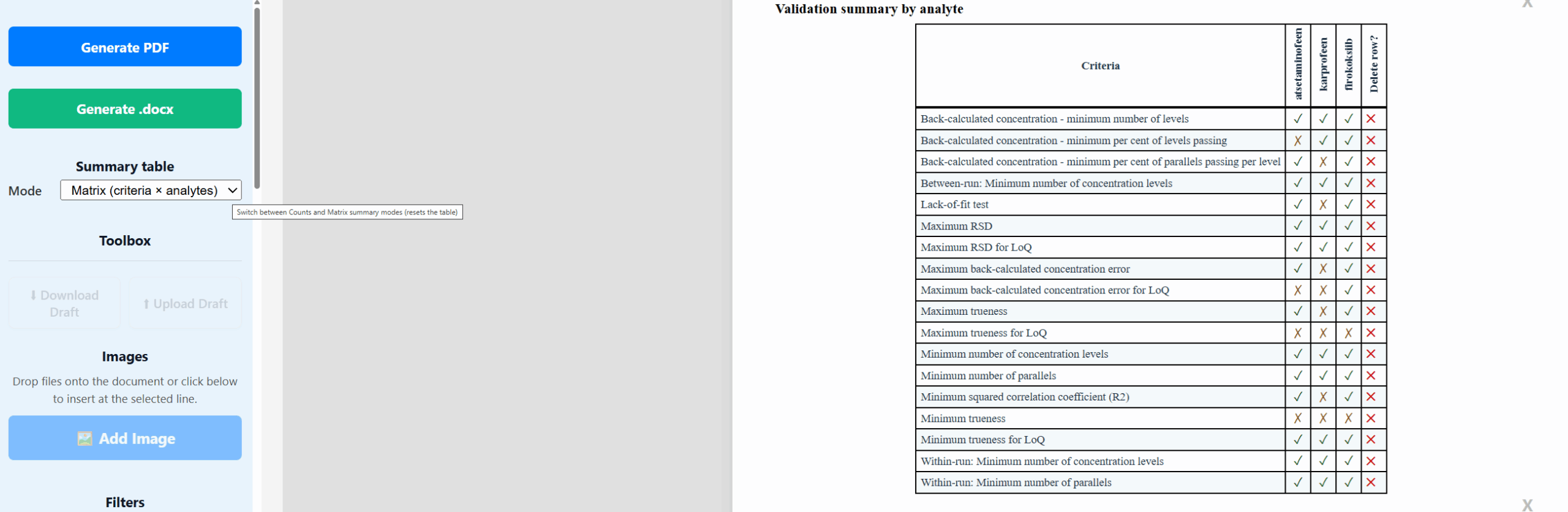
- Download or upload draft.
- Add images.
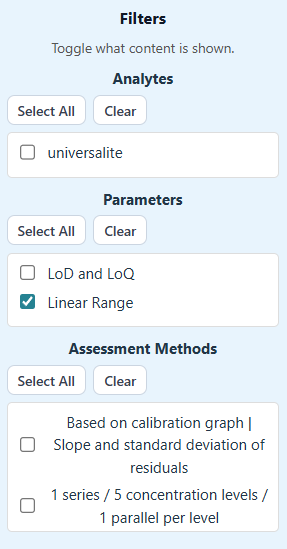
- Filter what analytes, validation parameters or assessment methods you want to see.
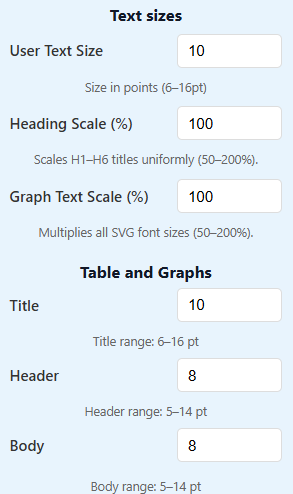
- Change text sizes.
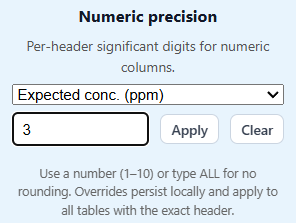
- Edit number of significant digits in tables columns.
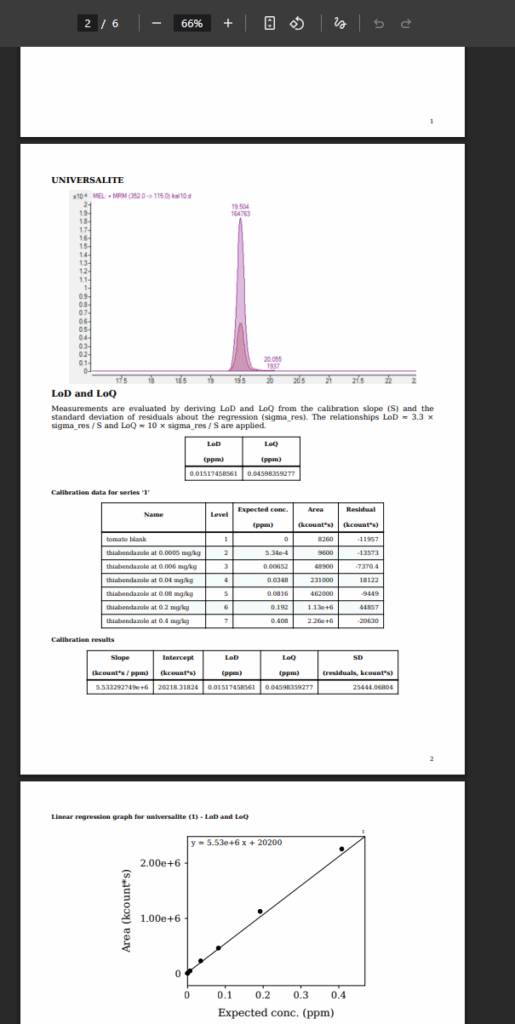
- Download the PDF.
- OR you can download the report in DOCX format and edit as you see fit in spreadsheet software.
- Note: the style in DOCX will be default style always and the style changes made in the report builder are not reflected there.
- Added pictures, texts, etc. will be exported to DOCX as well.